Turn screen time into
creative AI project time.
A self-paced project kit where kids use a parent-approved AI assistant to create games, stories, cards, and useful mini tools.
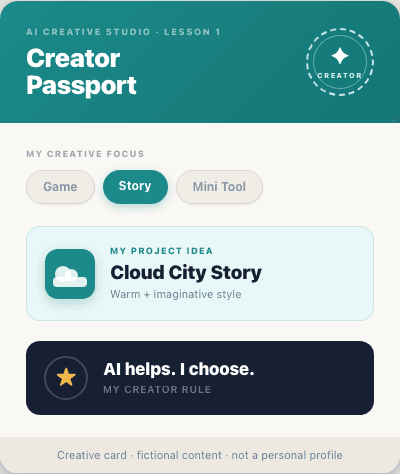
Make a creative card with safe AI ideas — no private details
Free AI Creative Lessons for Kids
Start with parent-guided projects that help children create small local browser games, stories, and tools with AI support.
No child account, upload, or public posting is required by the course.
Why AI learning should start with making.
AI is already part of how kids will create and problem-solve. A safe, structured first step builds confidence instead of confusion.
Hands-on projects
Kids make real creative outputs — games, stories, cards, and tools — not passive screen time or long lectures.
Safety first
Parent-supervised AI use, no child accounts, no data collection, and clear privacy guidance built into every lesson.
Visible results
Every lesson ends with something your child created and can show you — nothing hidden, nothing mysterious.
What kids will build.
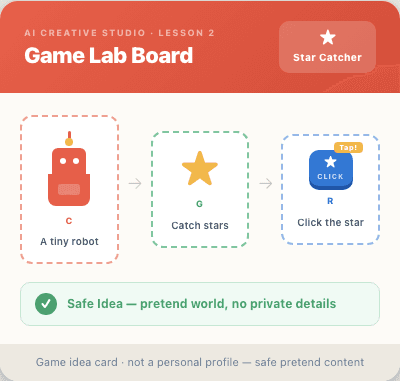
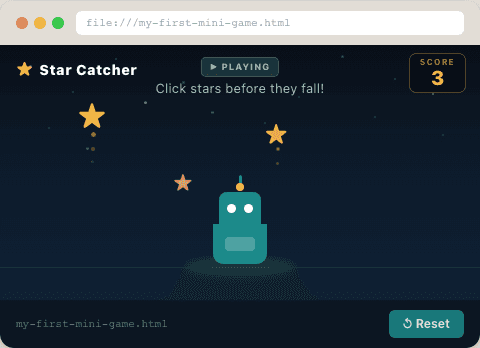
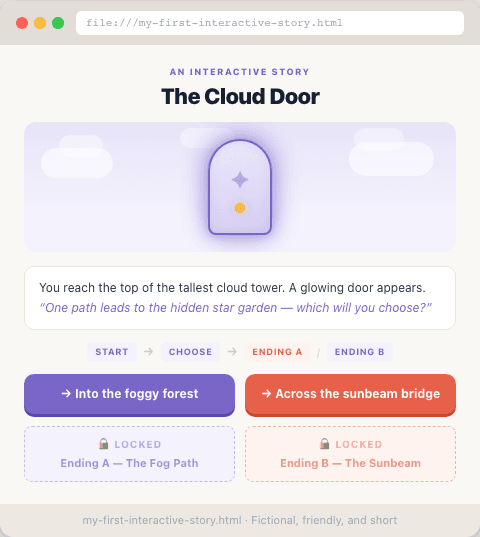
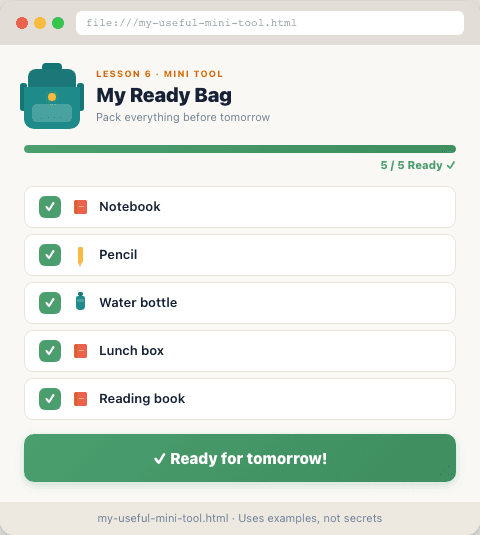
Six tangible projects, one per lesson.
How the lessons work.
Each lesson follows a simple path from idea to finished project.
Start with two free preview lessons.
Try the learning style with two free preview lessons, then continue with the full set of free lessons. They show how the lessons teach safe AI creativity through small, visible projects.
AI Is My Creative Partner
Learn to use AI as a creative helper — the child chooses, checks, and edits every idea.
Design Your First Game Idea
Plan a simple original game with a character, goal, and rule — no coding required.
Four more hands-on projects — free.
Build on the free preview. Move from game ideas to real browser projects, customization, interactive stories, and useful tools — all free and parent-guided.
Build Your First Mini Game
Turn your game idea card into a working browser game.
Make the Game Yours
Customize color, rules, and theme while keeping your first version safe.
Create an Interactive Story
Write a short choice-based story with two endings in one HTML file.
Build a Useful Mini Tool
Create a school checklist or word flashcard tool — local, private, and useful.
Designed for parent trust.
AI Creative Studio for Kids is built for families who want a safe, practical first step into AI. Parent supervision is recommended throughout.
Self-paced by design.
This is a digital project kit — not a live class, tutoring program, or student platform. Families move at their own pace.
All the lessons are free.
Six parent-guided projects your child can build at home — no account, no upload, and no purchase. Advanced courses may be added later, after we learn what families need.
Start Free Lessons →No account required. Younger learners may need help copying prompts, saving files, or opening HTML projects.
Quick answers for parents.
Common questions before you try.
Ready to try the first project?
Start with the free lessons. No account required. No purchase needed.